Daily wins, every day.
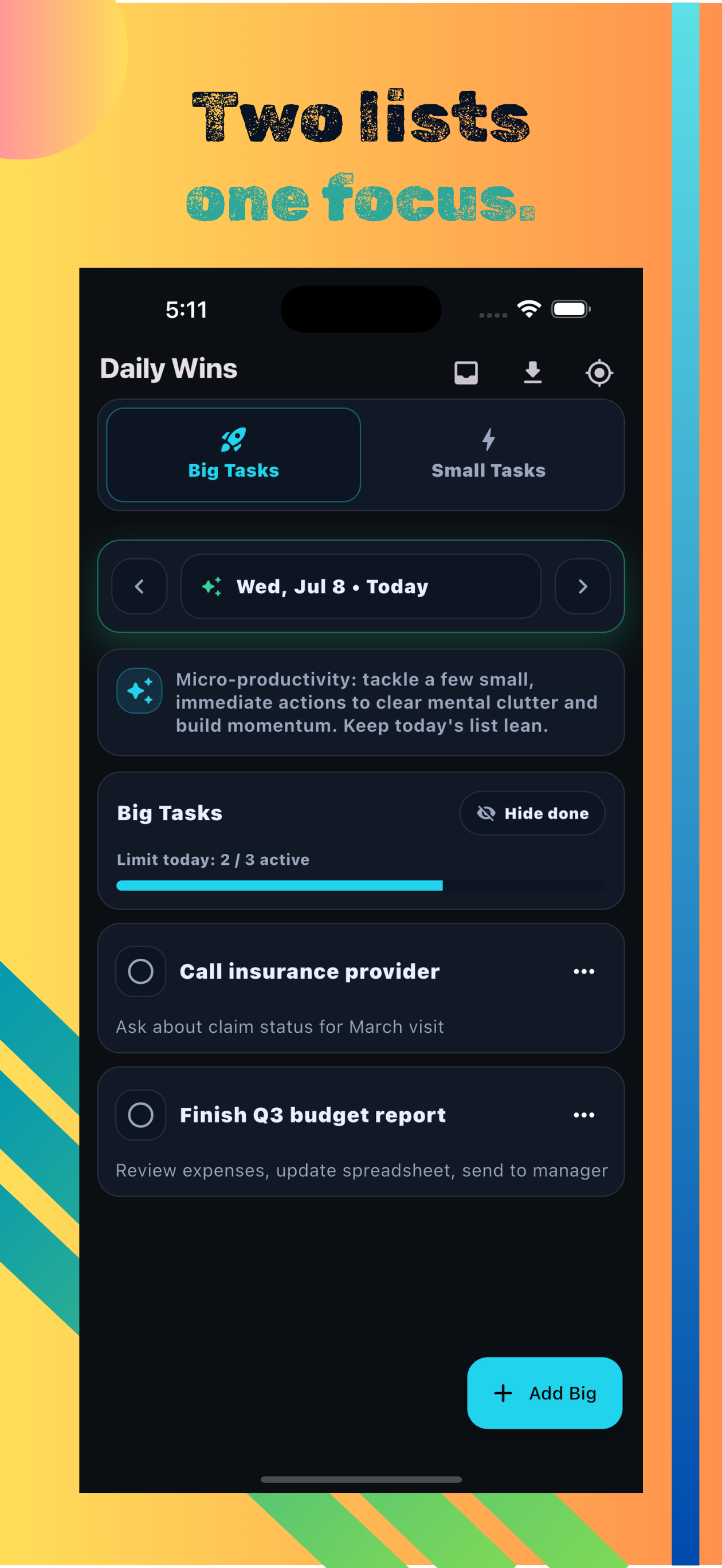
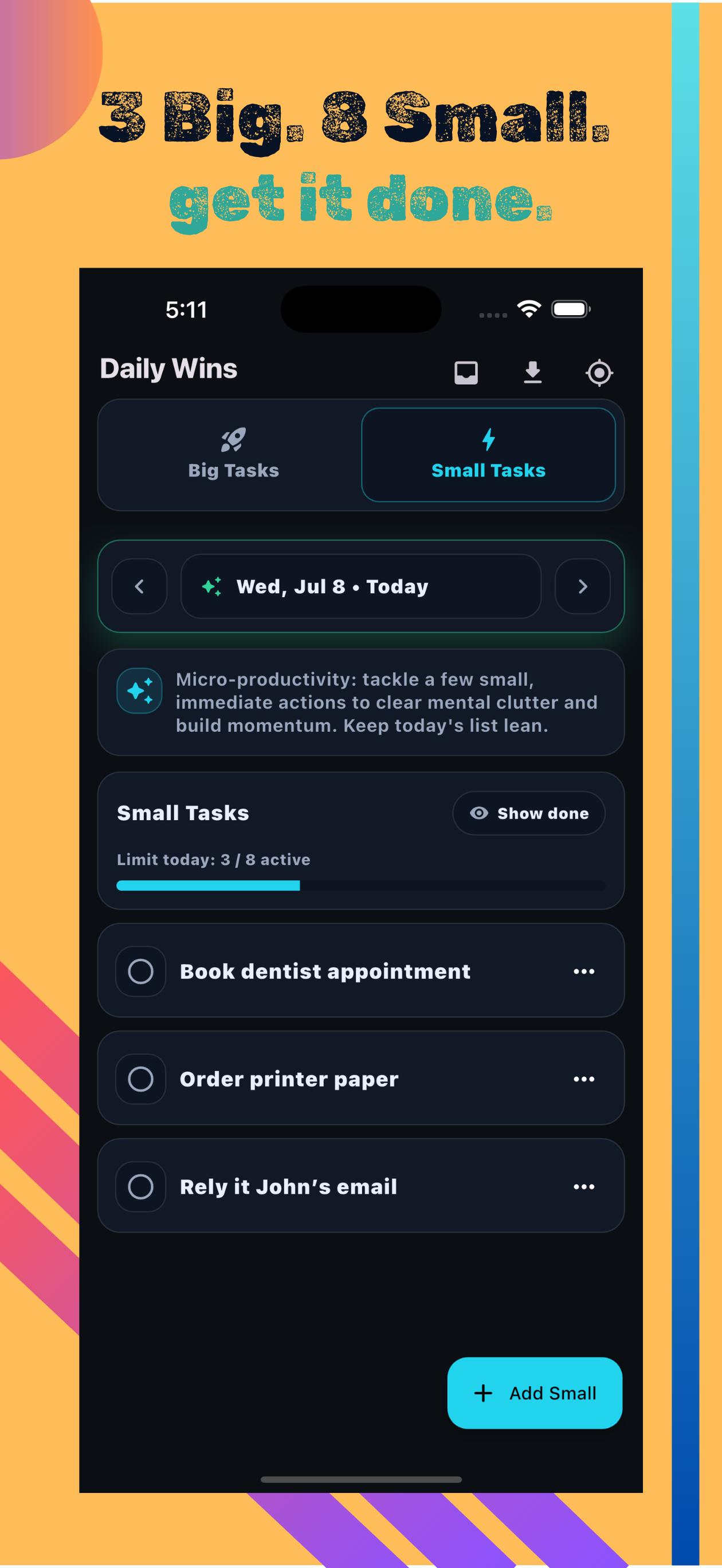
Daily Wins gives you two focused lists — up to 3 Big Tasks and 8 Small Tasks per day. Navigate by date, roll over unfinished tasks from yesterday in one tap, and let daily limits do the planning for you.
No ads. No subscription. Your data stays on your device.
Limit: 3 active/day
Limit: 8 active/day

Big Tasks (max 3/day)
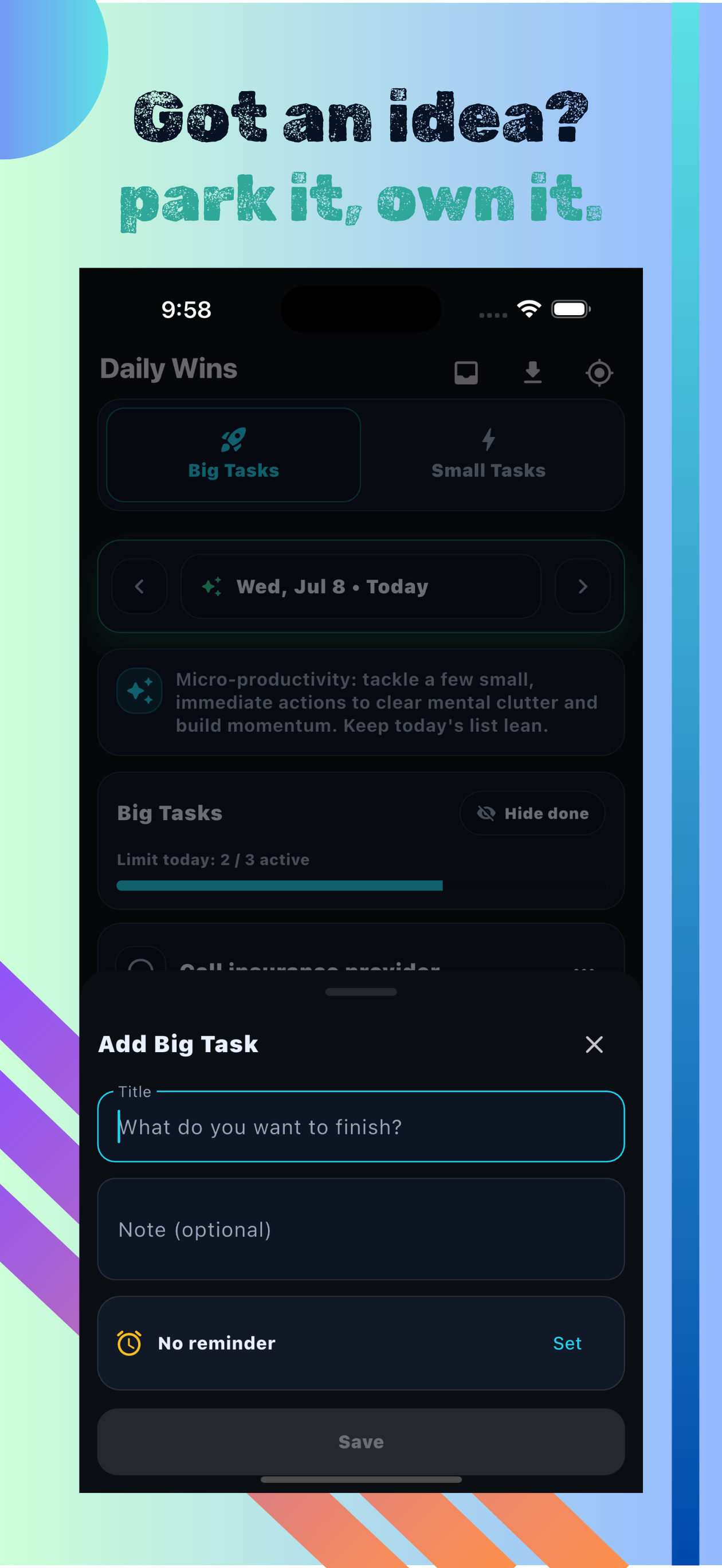
Focus on up to 3 meaningful tasks per day. Add a title, an optional note, and a reminder time.
Small Tasks (max 8/day)
Capture quick wins with up to 8 small tasks per day — each with a note and optional reminder.
Daily limits & progress
A visual progress bar shows active vs. limit for both lists. Toggle "Hide done" to keep your view clean.
Import from yesterday
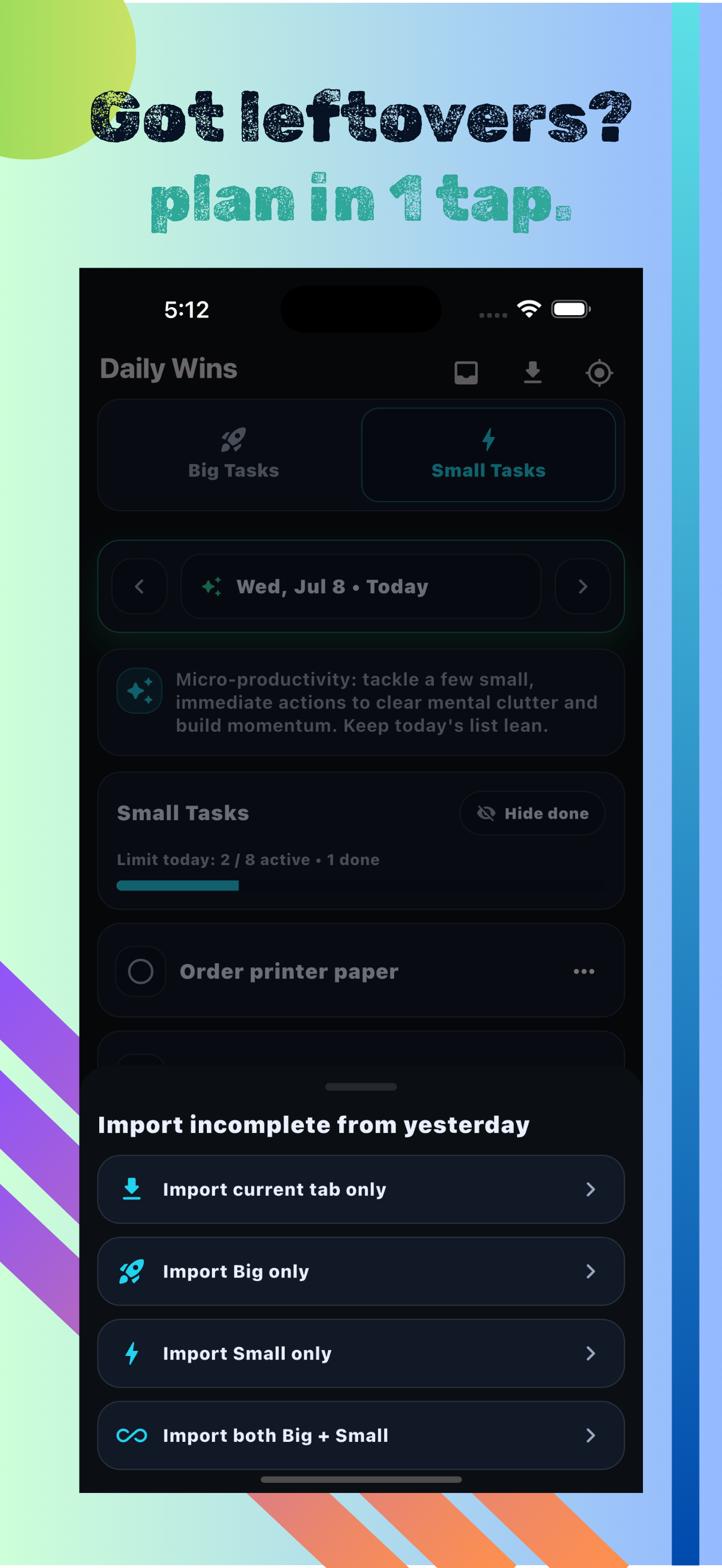
Roll over unfinished tasks in one tap — current tab only, Big only, Small only, or both Big & Small.
Big Backlog
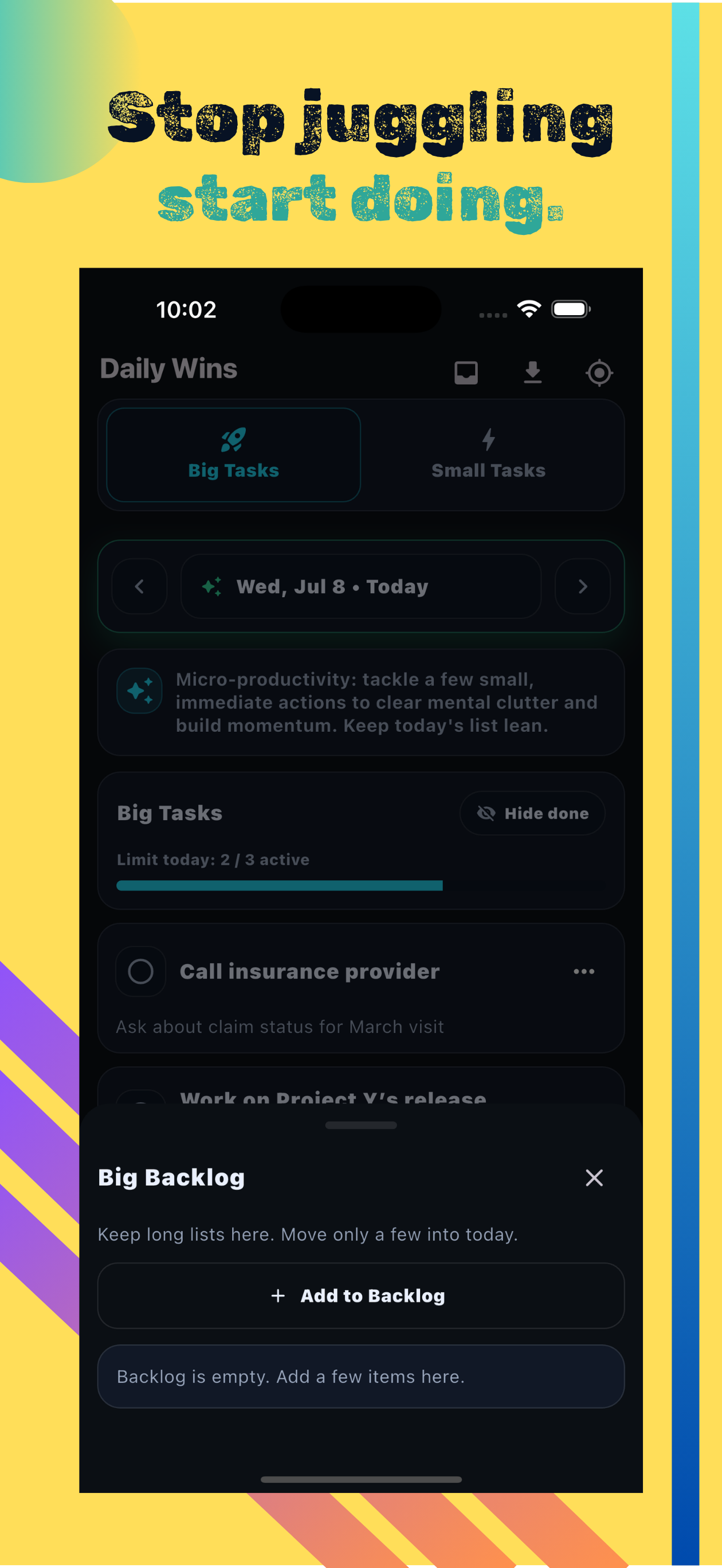
Park overflow tasks in the backlog — keep long lists there and move only a few into today to stay focused.
Task reminders
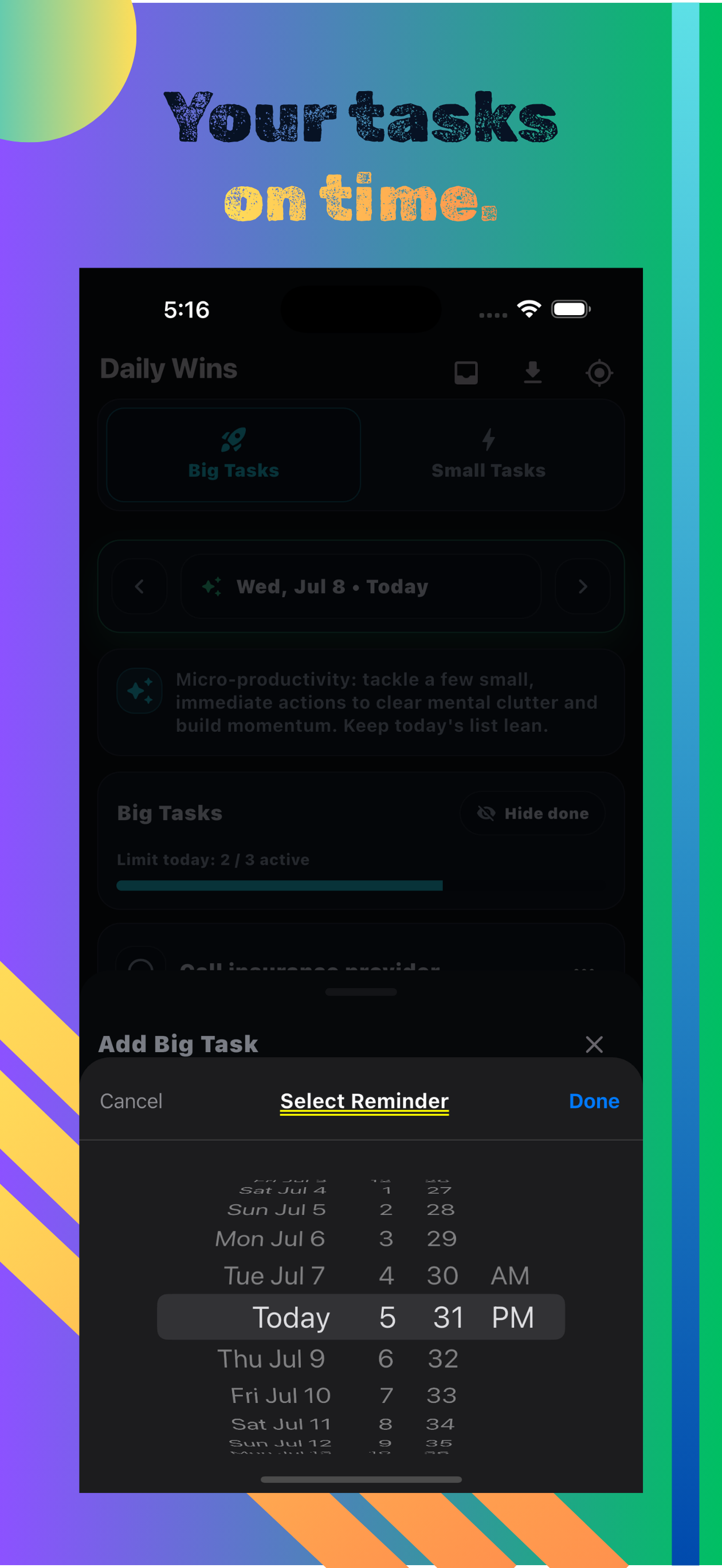
Set a date and time reminder on any task. The picker lets you scroll to exactly when you need the nudge.
Do you collect or store my tasks?
No. All tasks, notes, and reminders are stored only on your device. We have no server and no access to your data.
What happens when I hit the daily limit?
You won't be able to add more active tasks until you complete or delete existing ones. The progress bar shows how many slots remain.
How does "Import from yesterday" work?
Tap the import icon and choose to bring over unfinished tasks from the previous day — Big only, Small only, current tab only, or both lists at once.
How do I contact support?
Email [email protected] and include your iOS or Android version and what happened.