Everyone in sync.
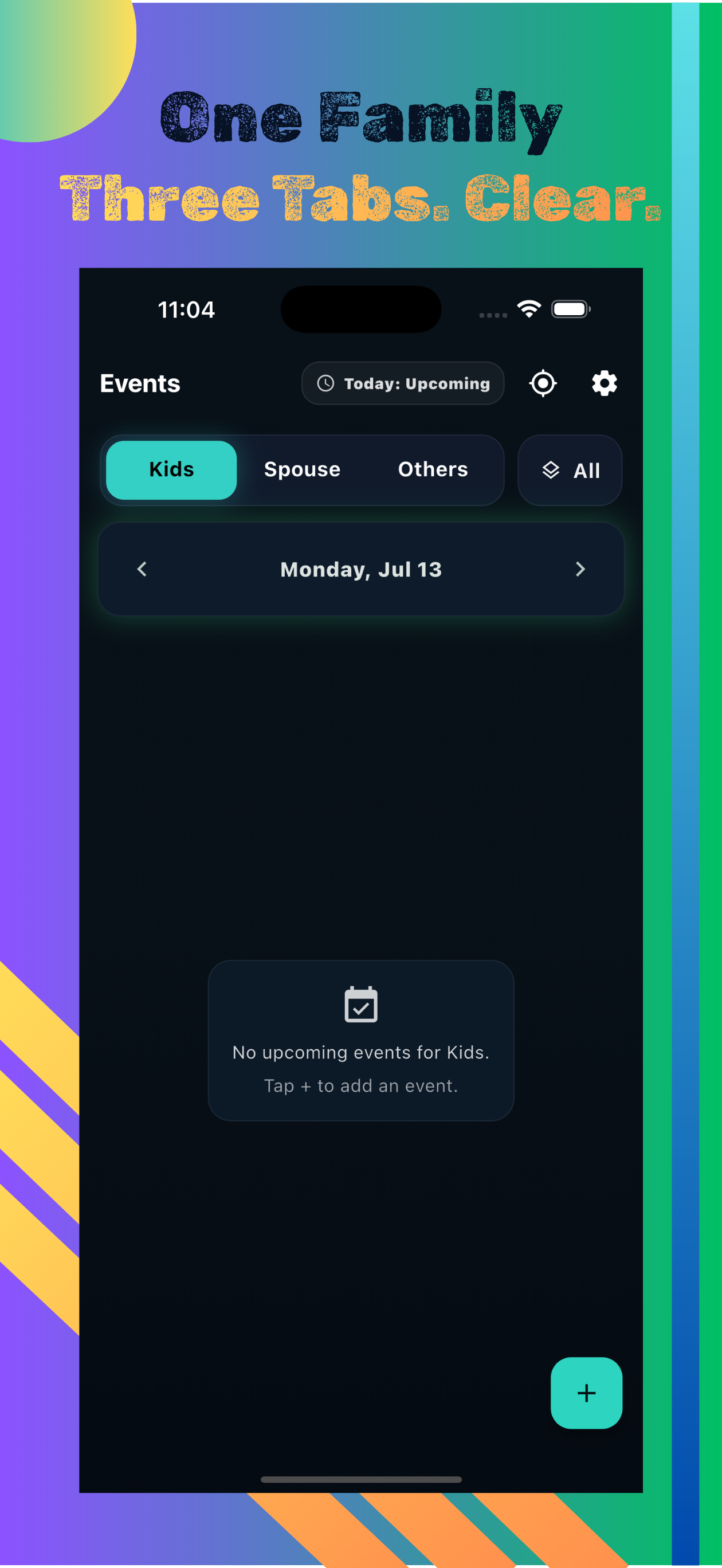
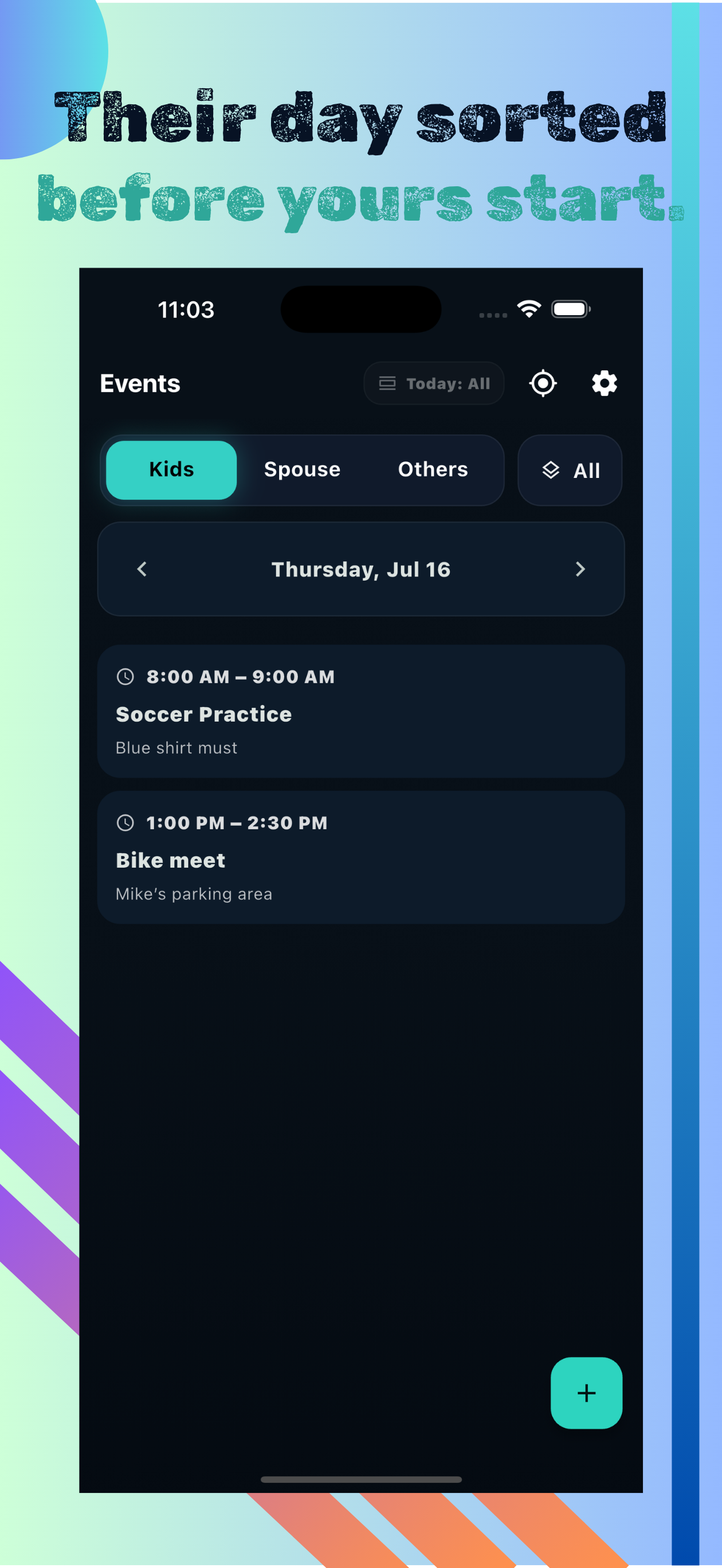
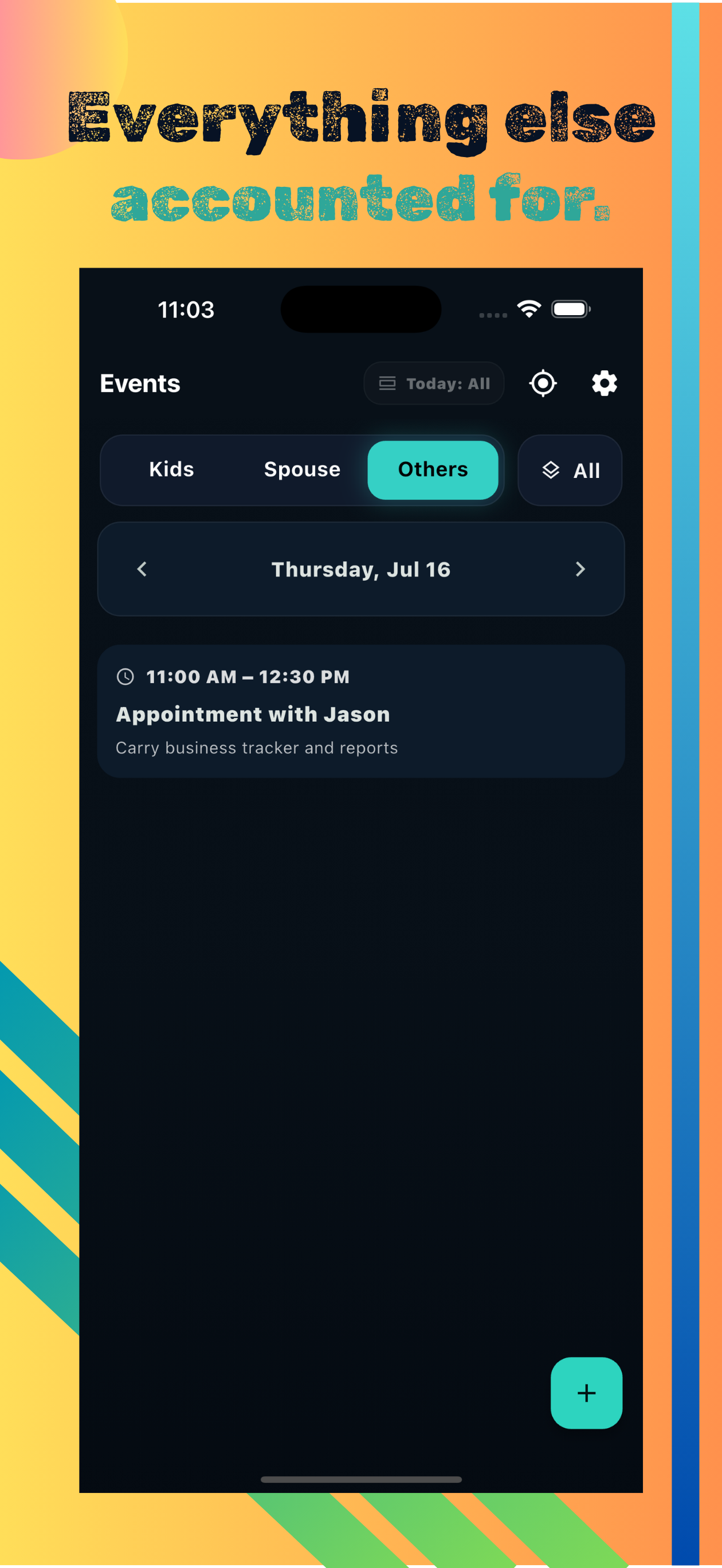
Family Calendar gives you three focused tabs — Kids, Spouse, and Others — plus an All view to see everything at once. Navigate day by day, add timed or all-day events, and keep the whole family on the same page.
No ads. No subscription. Your data stays on your device.
Kids' events
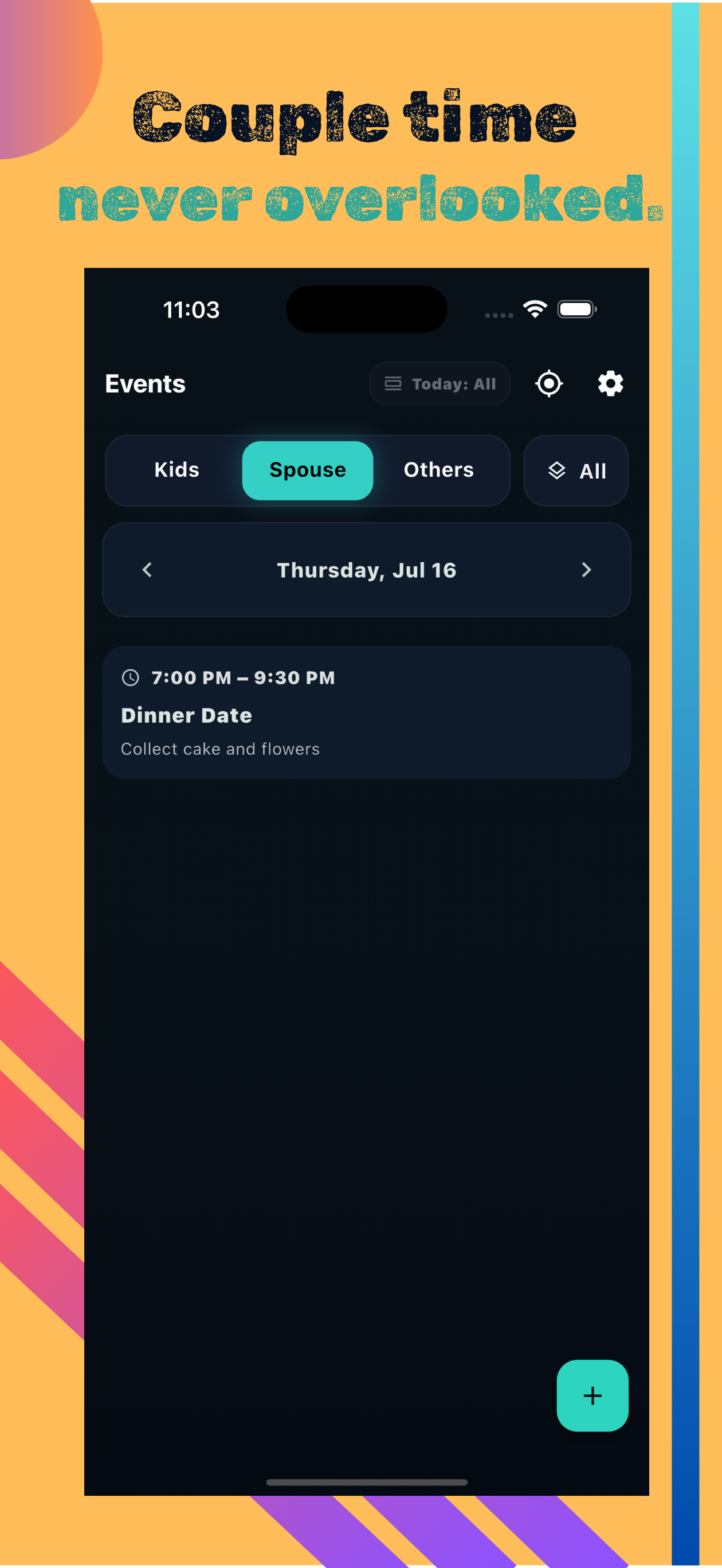
Couple events
Everything else

Three focused tabs
Kids, Spouse, and Others — each category has its own tab so events never get mixed up. Plus an All view to see everything at once.
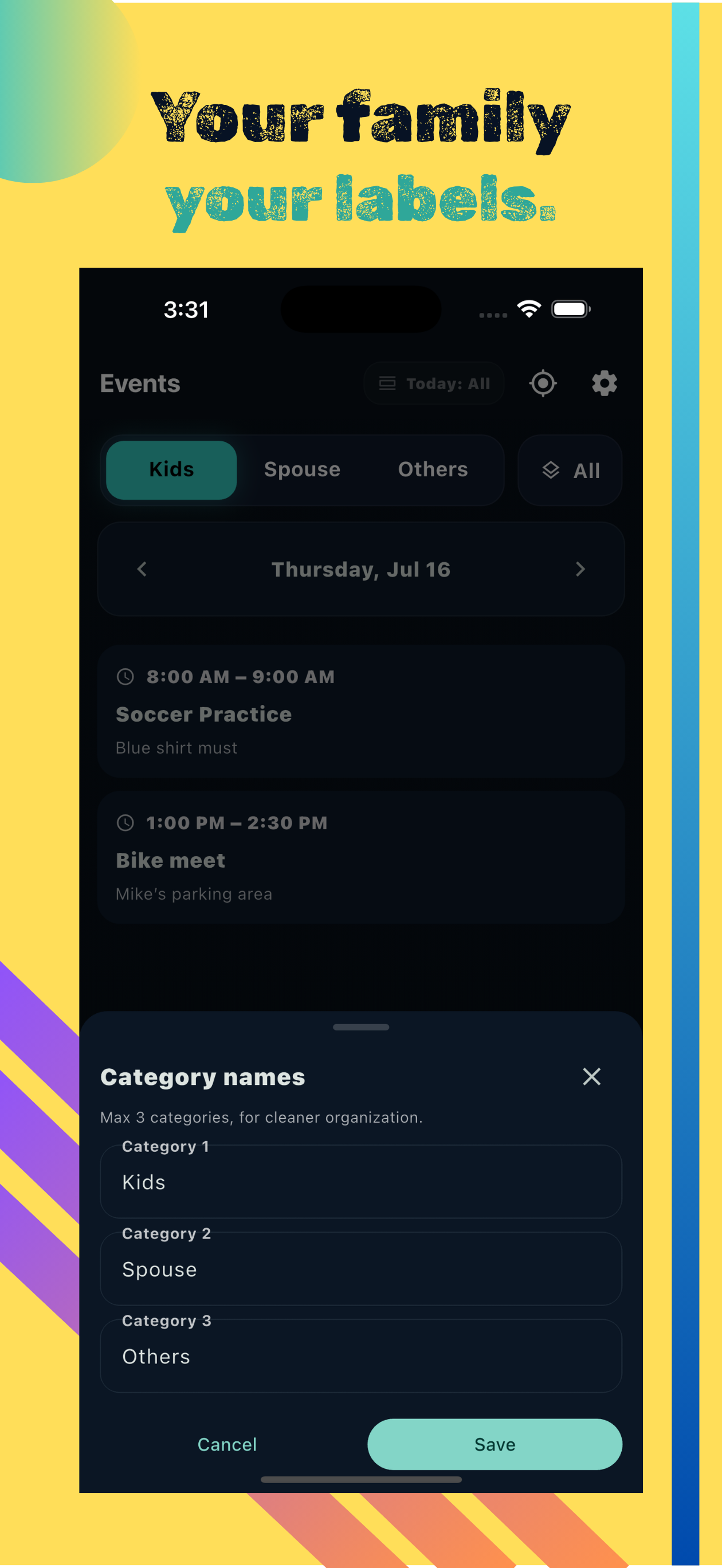
Customizable category names
Rename any of the three categories to fit your family. Change Kids, Spouse, or Others to whatever makes sense for your household.
Day-by-day navigation
Browse events one day at a time with left/right arrows. Toggle between Upcoming and All events for today.
Timed & all-day events
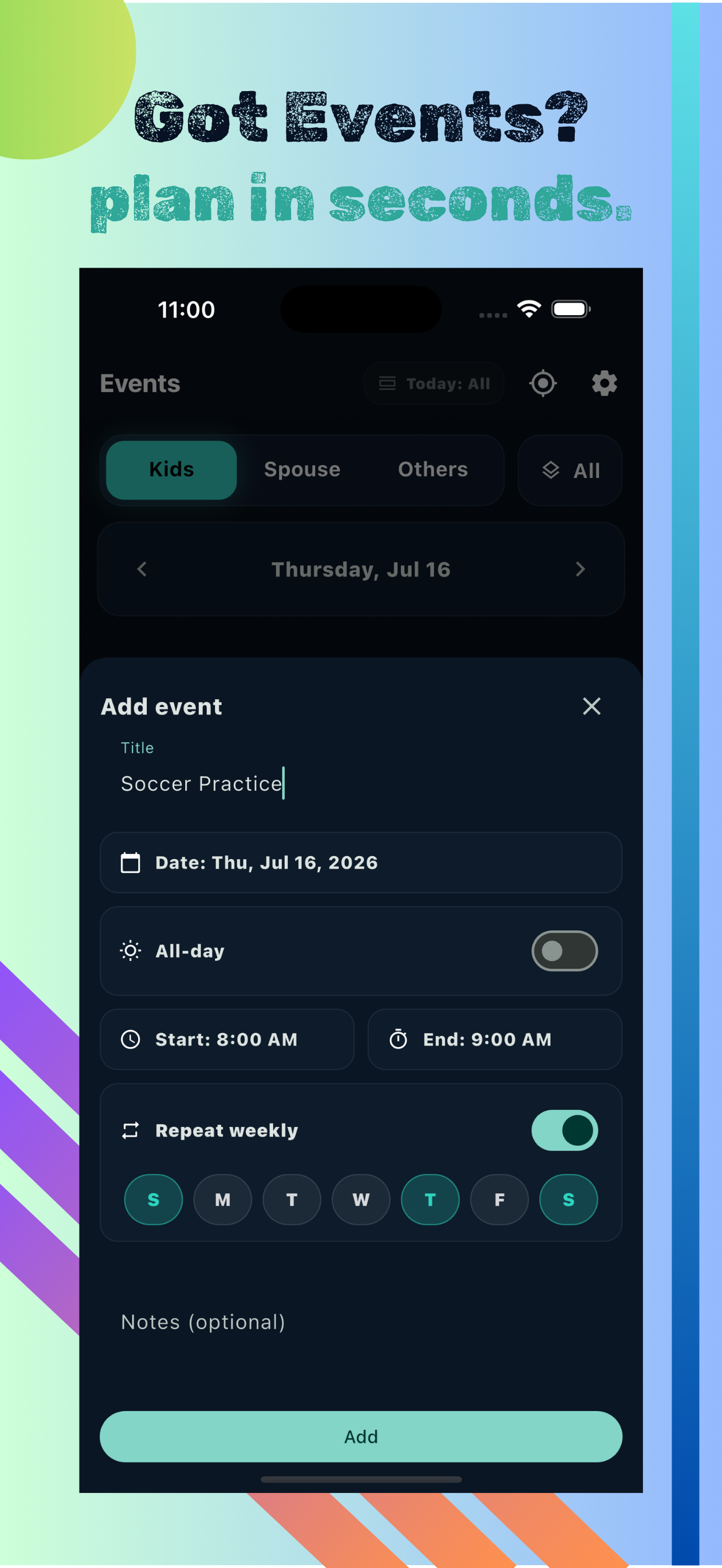
Add events with a start and end time, or mark them as all-day. Include a title and an optional note.
Repeat weekly
Set recurring weekly events and choose exactly which days of the week they repeat. Edit just one occurrence or all future ones.
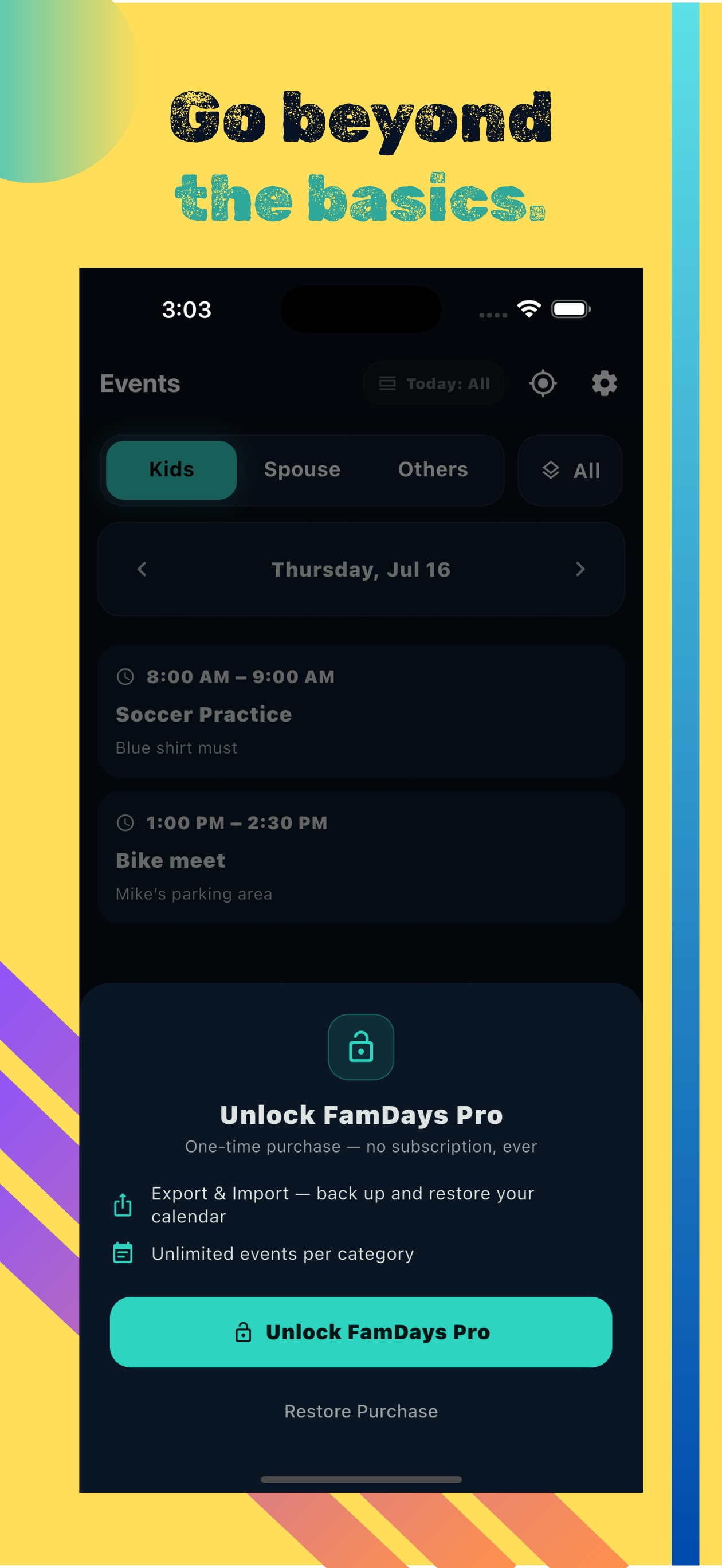
FamDays Pro
One-time purchase — no subscription, ever. Unlocks Export & Import (backup and restore your calendar) and unlimited events per category.
Do you collect or store my family's events?
No. All events, notes, and settings are stored only on your device. We have no server and no access to your data.
Can I rename the Kids, Spouse, and Others categories?
Yes. Tap the settings icon and open Category names to rename any of the three categories to whatever works for your family.
How do repeating events work?
When adding an event, enable Repeat weekly and choose which days it recurs. When editing, you can update just that occurrence or all future ones.
What does FamDays Pro include?
FamDays Pro is a one-time purchase with no subscription. It unlocks Export & Import (back up and restore your calendar) and removes the per-category event limit.
How do I contact support?
Email [email protected] and include your iOS or Android version and what happened.